ROI tracking
Prove it in dollars, not messages
Most chatbots report “messages handled” and hope you don't ask about money. Aurevia attributes real orders to real conversations — recommendations, upsells, and rescued carts — so finance signs off without squinting.
5.0 on Shopify · 6 reviews- Revenue attributed per conversation
- Feature-level breakdown: recs, rescues, upsells
- Attribution tied to real Shopify orders

Revenue attribution
Aurevia dashboard
AI-attributed revenue
$23.9k
▲ 32%
Assisted AOV
$64
▲ 12%
Return on spend
11×
Revenue by feature
 Powered by Aurevia.io
Dollar-linked, defensible
Outcomes tied to the AI with a definition you can stand behind in a finance review.
Know what to double down on
See which behaviors move revenue — recs, bundles, nudges — feature by feature.
Real orders, not estimates
A card that says Not tracked means exactly that. Every number ties back to an order Shopify sent us.
What you get
Influenced revenue, defined clearly
Understand what “assisted by Aurevia” means in your report so you can stand behind the number internally.
Not just the last click
Capture how discovery and nudges participate in a journey where chat was the trusted guide.
AOV and conversion, side by side
When the story is bigger baskets and higher CVR, show both; some brands win on rate, some on size of order.
Built for the Shopify stack
Stay aligned with how your store already records orders, discounts, and returns—so attribution maps to how you run finance.
How it works
Connect store data
Shopify remains the system of record; Aurevia links outcomes to the conversations that mattered.
Choose a reporting window
Weekly for ops, monthly for board prep—trends beat one-day spikes.
Tie to campaigns
See whether paid traffic, launches, and sales events scale with the AI, not in spite of it.
In your dashboard
Influenced revenue, per product
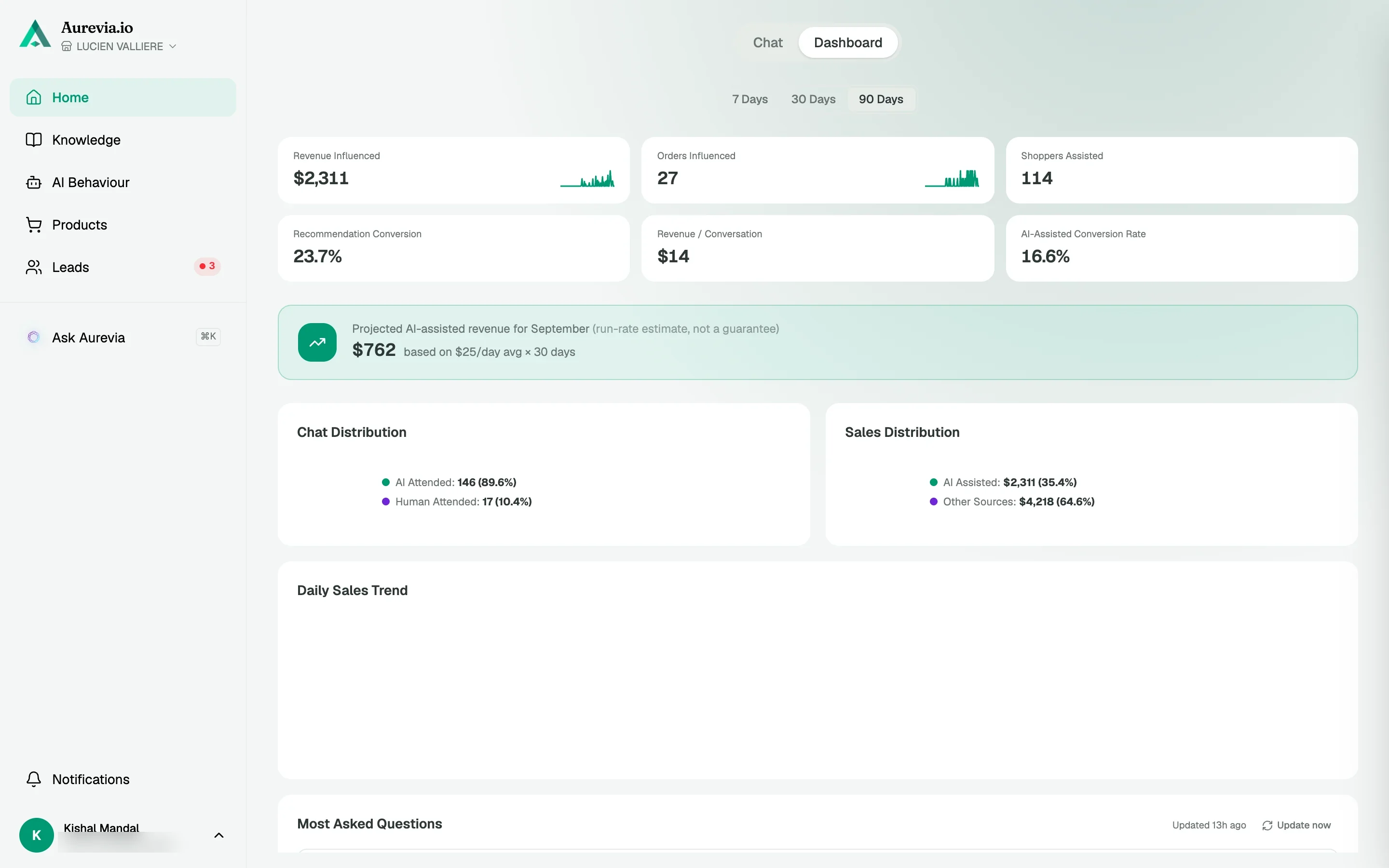
Revenue Influenced and Orders Influenced total the orders where the agent recommended, added to cart or generated the checkout. Below it, every recommended product with shown, added, bought and revenue.
How attribution works
Step 1
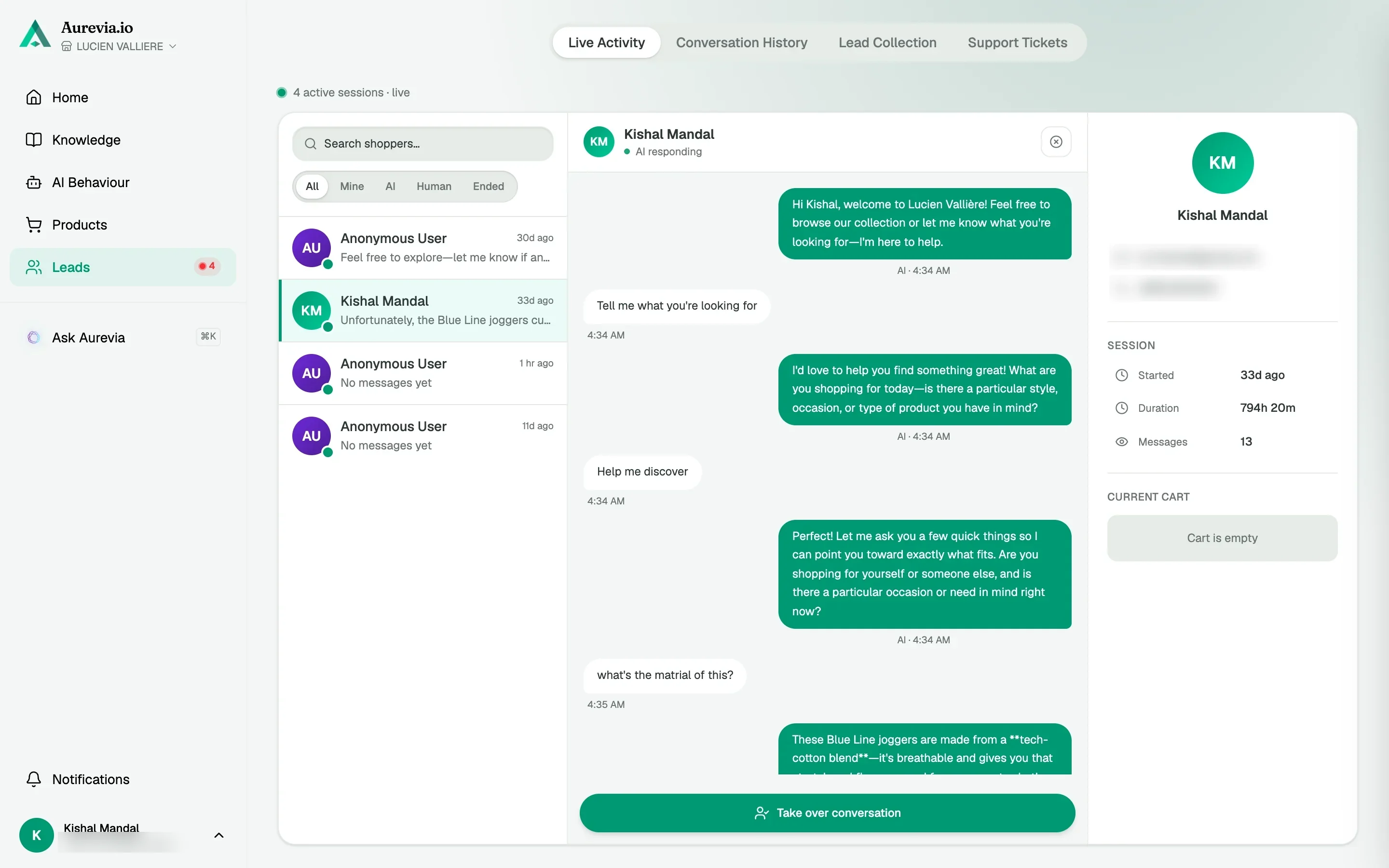
The chat adds to cart
When the agent adds an item or creates a checkout, the cart is tagged with the chat session.
Step 2
Shopify sends the order
The order webhook carries the tag. Aurevia matches it to the session and credits that conversation.
Step 3
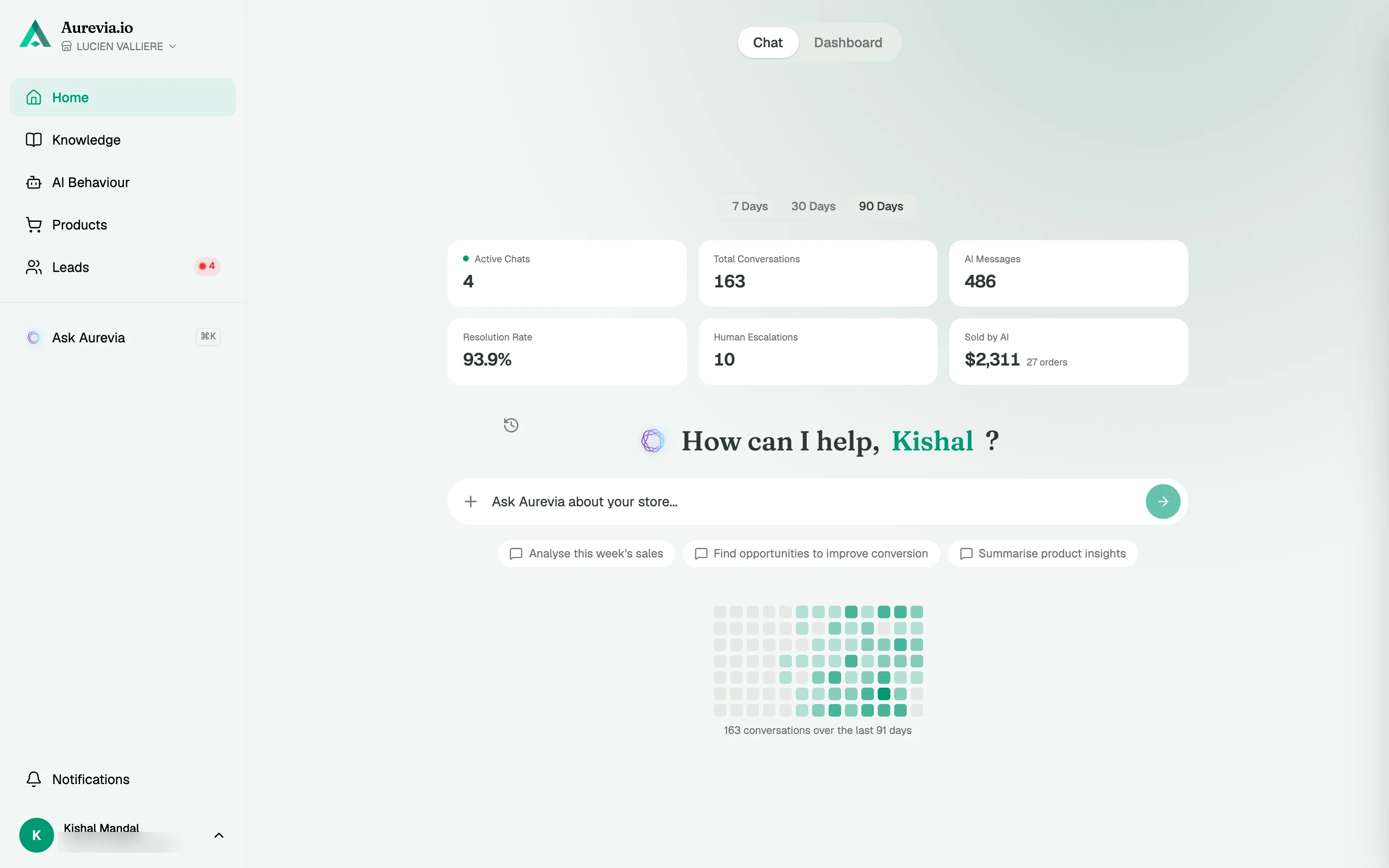
You read real numbers
Orders placed without a chat are never credited. A card that says Not tracked means exactly that.
The thing i like most is not even what I installed it for. Customers ask questions completely different to how we write our product pages. Seeing those conversations has helped us understand what people are really looking for
Questions, answered
Is this the same as Google Analytics revenue?
Complementary. GA often misses the full role of a conversation; this ties orders to the AI’s participation in a way a funnel tool alone will not show.
What if our sales cycle is long or B2B-leaning?
Use assisted pipeline metrics together with your CRM; the point is a rigorous story, not a single formula for every brand.
How often should we review?
Weekly for operators, monthly for executive decisions—enough to see signal without chasing noise.
Also worth knowing
See it live on your store
Install from the Shopify App Store, sync your catalog, and watch the first conversations come in — most merchants are live within the hour.