DMs, stories and comments, handled
Connect your Instagram professional account and the agent answers DMs, turns a story reply like “Is this available?” into a cart and a checkout link, replies to comments in your voice, and hides spam and abusive comments.
- 5.08 reviews on Shopify
- 50+Shopify stores
- 14 daysfree trial
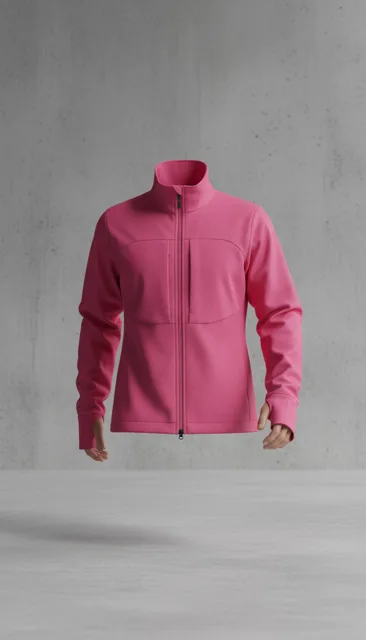 $148.00
What you get
Answers DMs
Product, sizing and order questions, from the same catalogue and knowledge base as your store chat.
Shows products and adds to the cart
Product cards in the thread, and a cart the agent builds for the shopper.
Turns story replies into sales
Someone replies “Is this available?” to a story and gets the answer, a cart and a checkout link.
Replies to comments automatically
Questions under your posts get a reply in your voice, with the link sent by DM.
Hides spam and hate comments
Spam, scams and abuse are hidden before your followers see them.
Supports customers
Order status and returns in DMs, with your team a tap away for anything else.
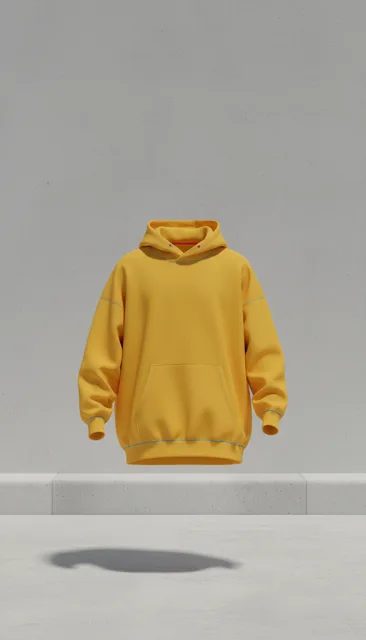 Metro Hoodie$129
How it works
Connect your account
Link your Instagram professional account in Settings, then Channels.
Set the rules
Choose what gets an automatic reply and what waits for you.
It works in the background
DMs, story replies and comments are handled, and every one appears in your inbox.
Comments
Every comment answered or cleaned up
Questions under your posts get a public reply and the link by DM. Spam and abusive comments are hidden as they arrive. Anything the agent isn't sure about waits for you to approve, edit or discard.
- Automatic replies
- Spam and hate hidden
- You approve the uncertain ones
 Aurevia is moderating
- Mmaya.k Love this! What's the price? 😍LVlucienvalliere It's $148, in every size. We've sent you the link in DMs. Auto-reply
- Ggr0wth.boost Get 10k followers fast 👉 check my bio
- Aanon.7731 worst brand ever, total scam
- Ssophie.ln Does it come in navy?LVlucienvalliere It does, XS to XL. Link's in your DMs. Auto-reply
“The thing i like most is not even what I installed it for. Customers ask questions completely different to how we write our product pages. Seeing those conversations has helped us understand what people are really looking for”
Questions, answered
Which accounts can I connect?
Instagram professional accounts, Business or Creator.
Can I turn off automatic comment replies?
Yes. You choose what replies automatically, and anything else waits for you.
How we handle your customers' messages
Customers message you first
Aurevia replies to conversations your customers start. We do not send marketing broadcasts. The one exception is the cart reminder: a single message, by email or WhatsApp, sent only to shoppers who ticked the box asking for it, with a way to stop in every one.
Your data stays yours
Messages and comments are used to answer that conversation for your store, and nothing else. We never use them for advertising, never sell them, and never mix one store's data with another's.
You stay in control
Every conversation appears in your Aurevia dashboard. You choose which replies go out automatically, you can take over by hand, and you can disconnect a channel whenever you like. Disconnecting removes our access to that account.
Full detail is in our Privacy Policy, Terms & Conditions and GDPR Compliance pages. To request deletion of data held for a connected account, email [email protected].
See it live on your store
Install from the Shopify App Store, sync your catalogue and watch the first conversations come in. Free for 14 days.